
1/3
Barishal, Bakerganj, 17 hours ago
11 views
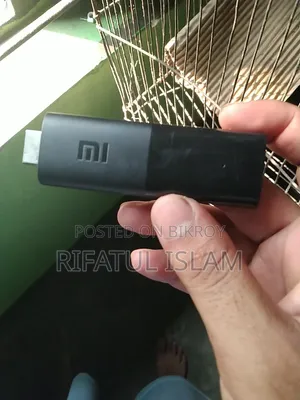
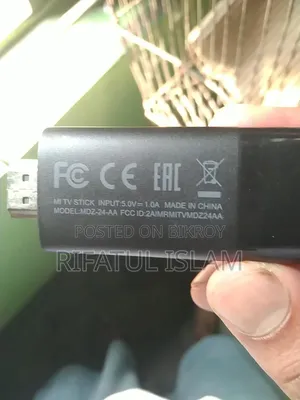
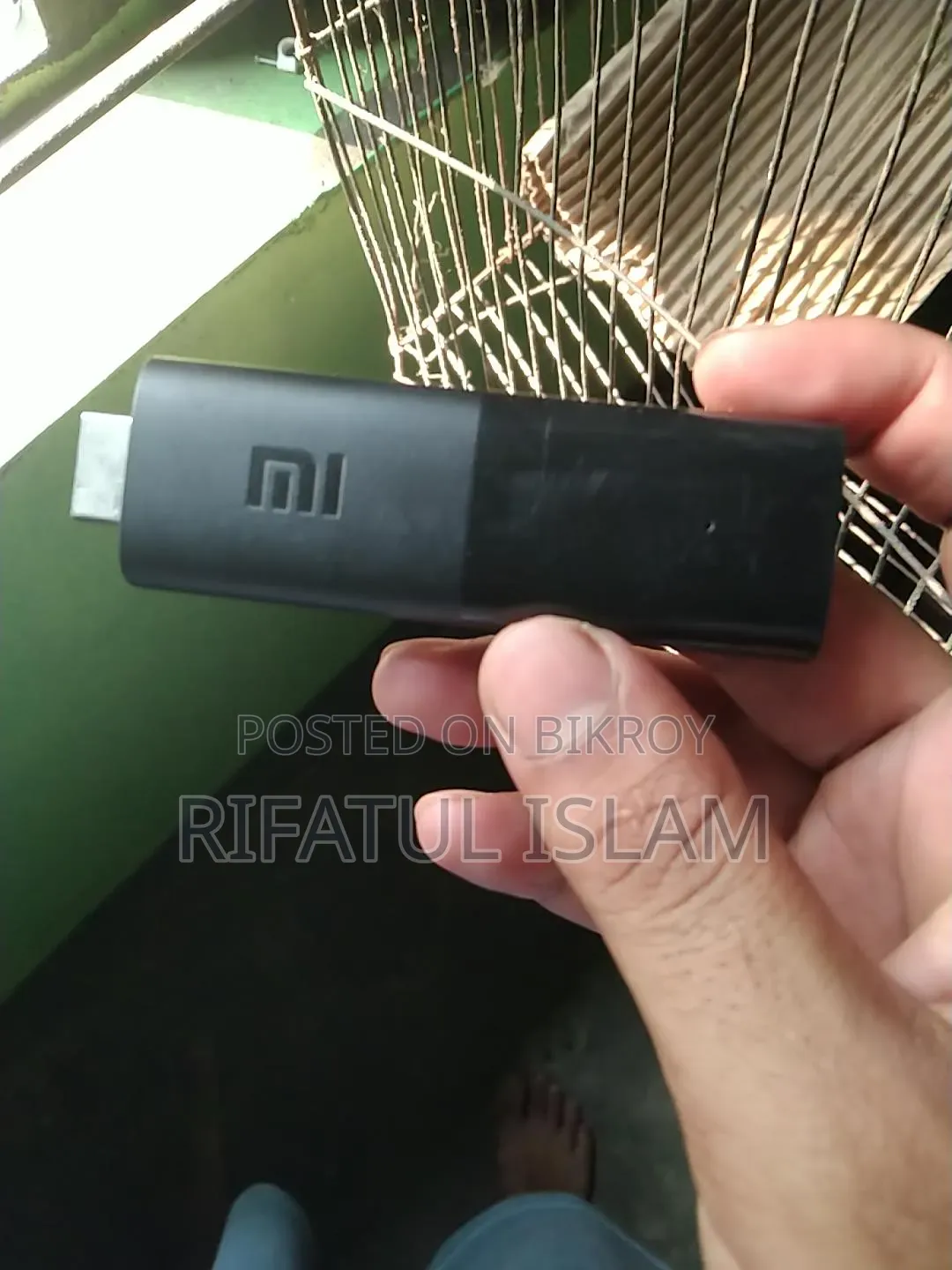
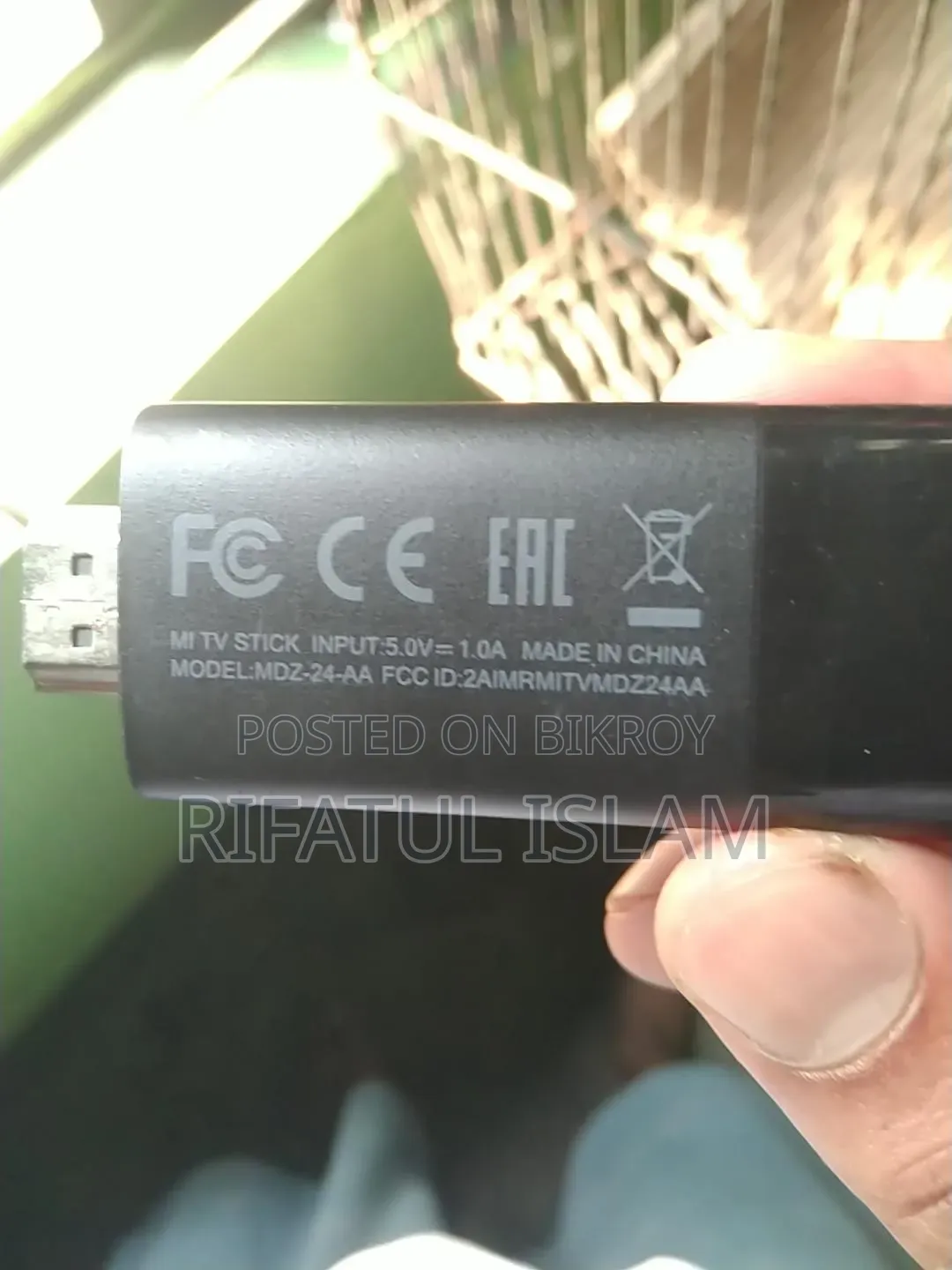
Xiaomi Mi TV Stick / Mi TV Stick 4K*
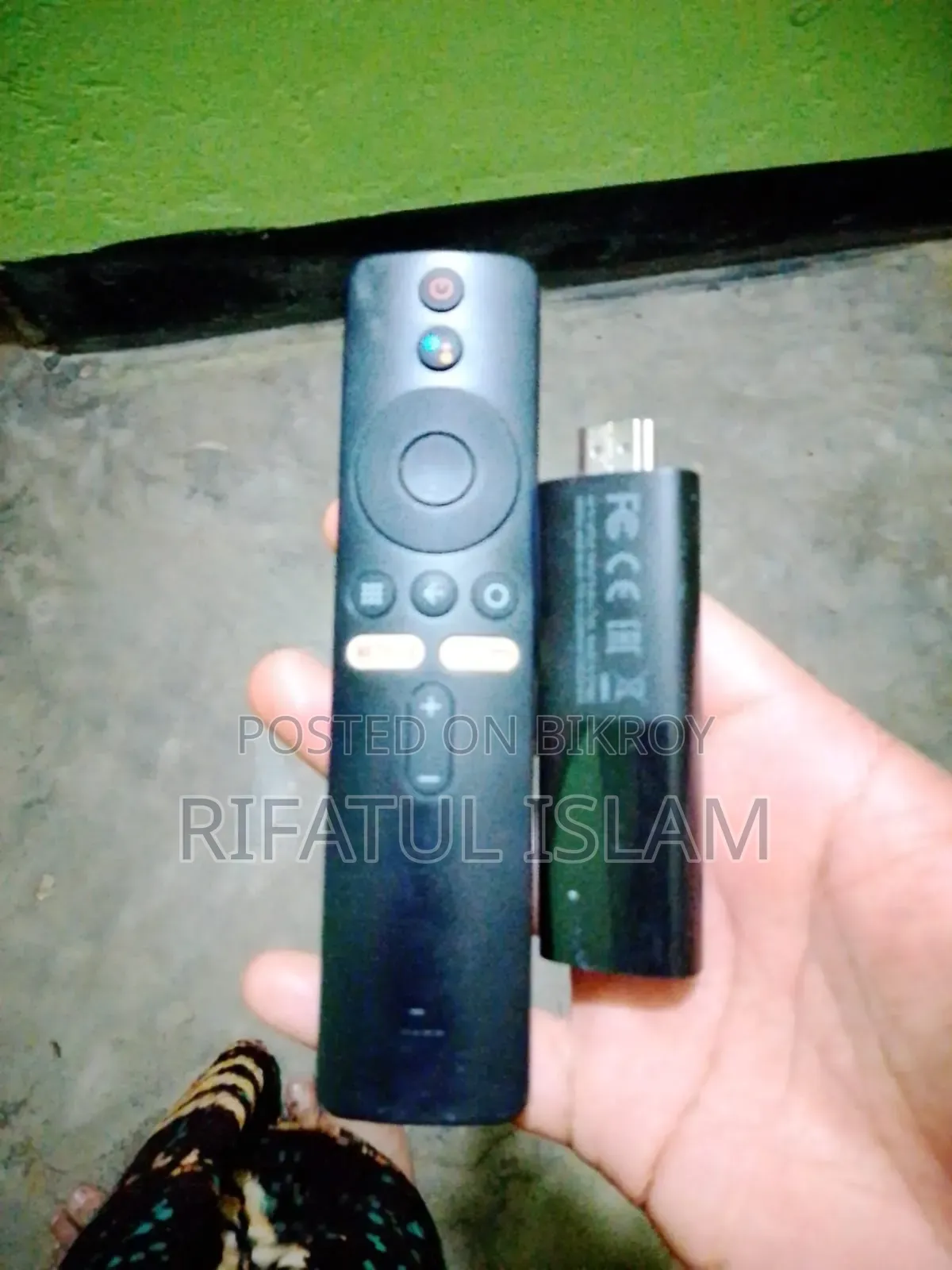
What is shown in the picture is *Xiaomi Mi TV Stick / Mi TV Stick 4K*
- The one on the left is its *remote* - there is a Google Assistant button on top
- The one on the right with HDMI looking like a black pen drive is the *TV Stick*
Plug this into the HDMI port of your TV to turn a regular LED TV into a smart TV. You can run YouTube, Netflix, Prime Video, and browse the internet using WiFi with this.
Do you want to set this up? After plugging it into the TV, the power cable needs to be plugged into a separate charger, otherwise, it will not turn on.
BDT 1,500
Negotiable
Safety tips
- Avoid paying in advance, even for delivery
- Meet with the seller at a safe public place
- Inspect the item and ensure it's exactly what you want
- Make sure that the packed item is the one you've inspected
- Only pay if you're satisfied


