
1/5
Dhaka, Dhanmondi, 1 hour ago
1 views
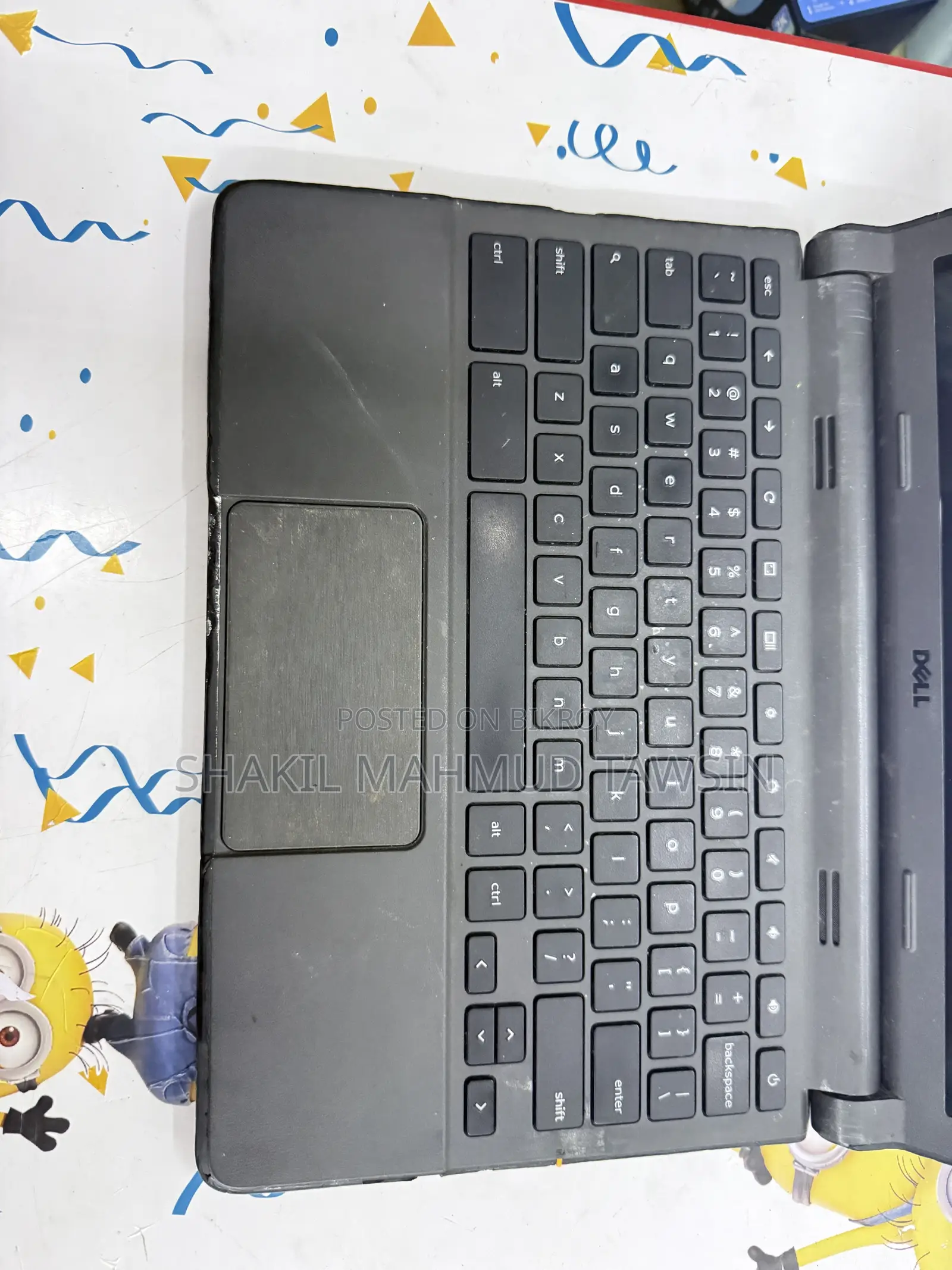
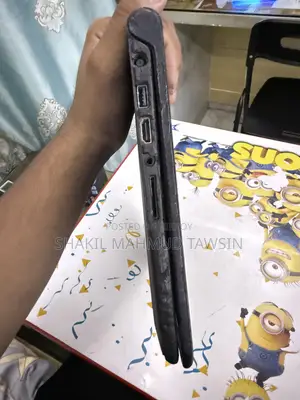
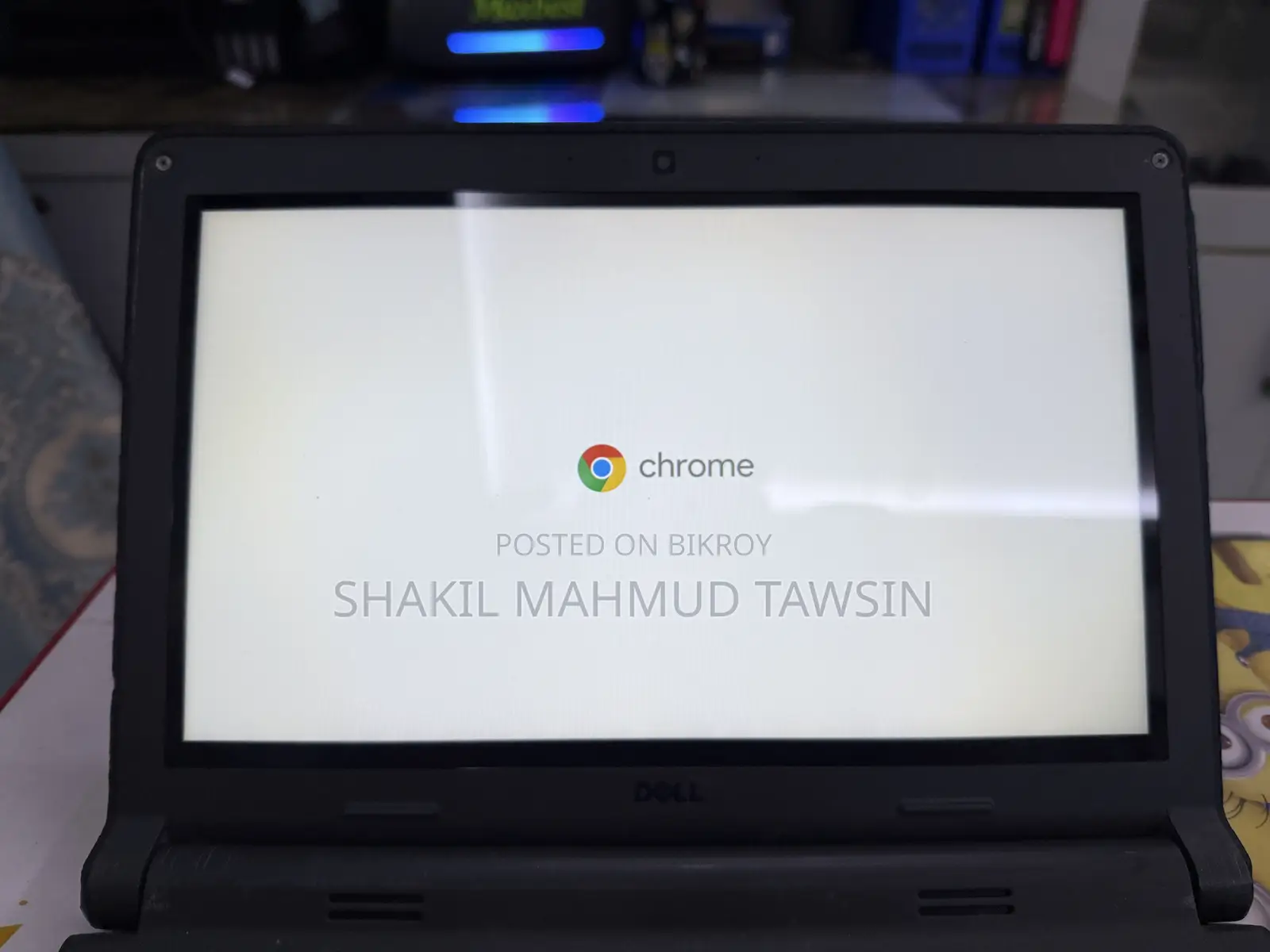
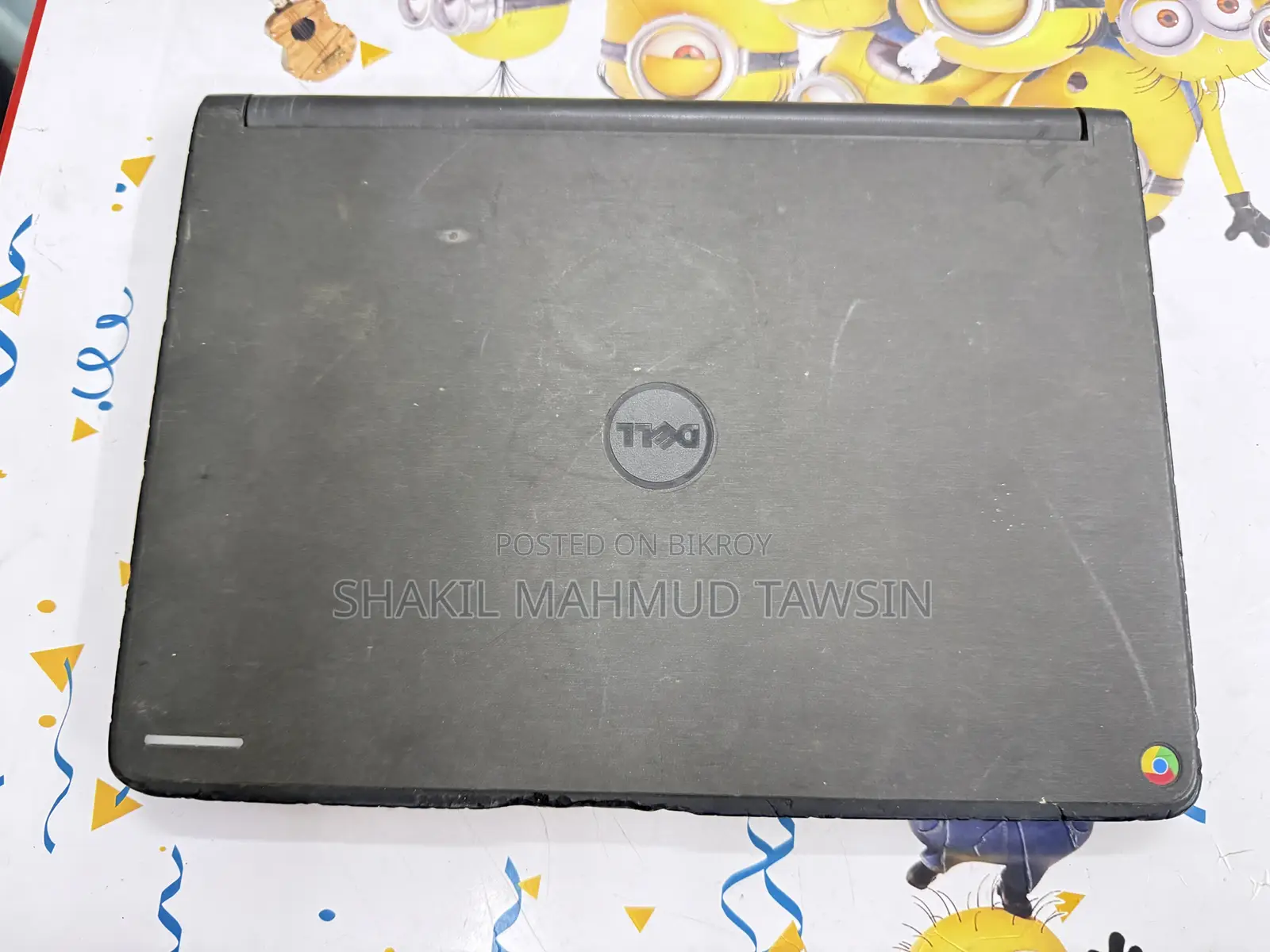
Laptop Dell Chromebook 3120 2GB Intel Celeron eMMC 32GB
Intel Celeron
Processor
Dual Core
Number of Cores
32GB
Storage Capacity
eMMC
Storage Type
11" / 11.6"
Display Size
Intel
Graphics Card
4GB
Graphics Card Memory
Linux
Operating System
No
Exchange Possible
Black
Color
Dell Chromebook 11 (3120) Touchscreen Model Specification & Current Issue
Display: 11.6-inch HD (1366 x 768) Touchscreen Display (This is a Touchscreen Variant)
Processor: Intel Celeron N2840 (Dual-core)
RAM: 2GB / 4GB DDR3L
Storage: 16GB / 32GB eMMC Flash Memory
Battery: 3-Cell 43Wh (Type: SR9DD)
OS: Chrome OS
Current Condition & Repair Note:
Main Problem: The laptop only has an issue with the Wi-Fi Card / Wi-Fi Signal (the Wi-Fi signal is weak when far or not receiving properly).
Solution: There is no problem with the motherboard or any other part. Simply changing / replacing the internal Wi-Fi Card will make the Wi-Fi work properly again.
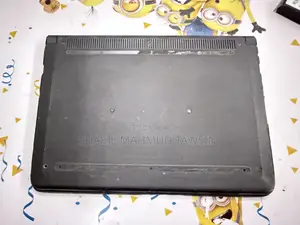
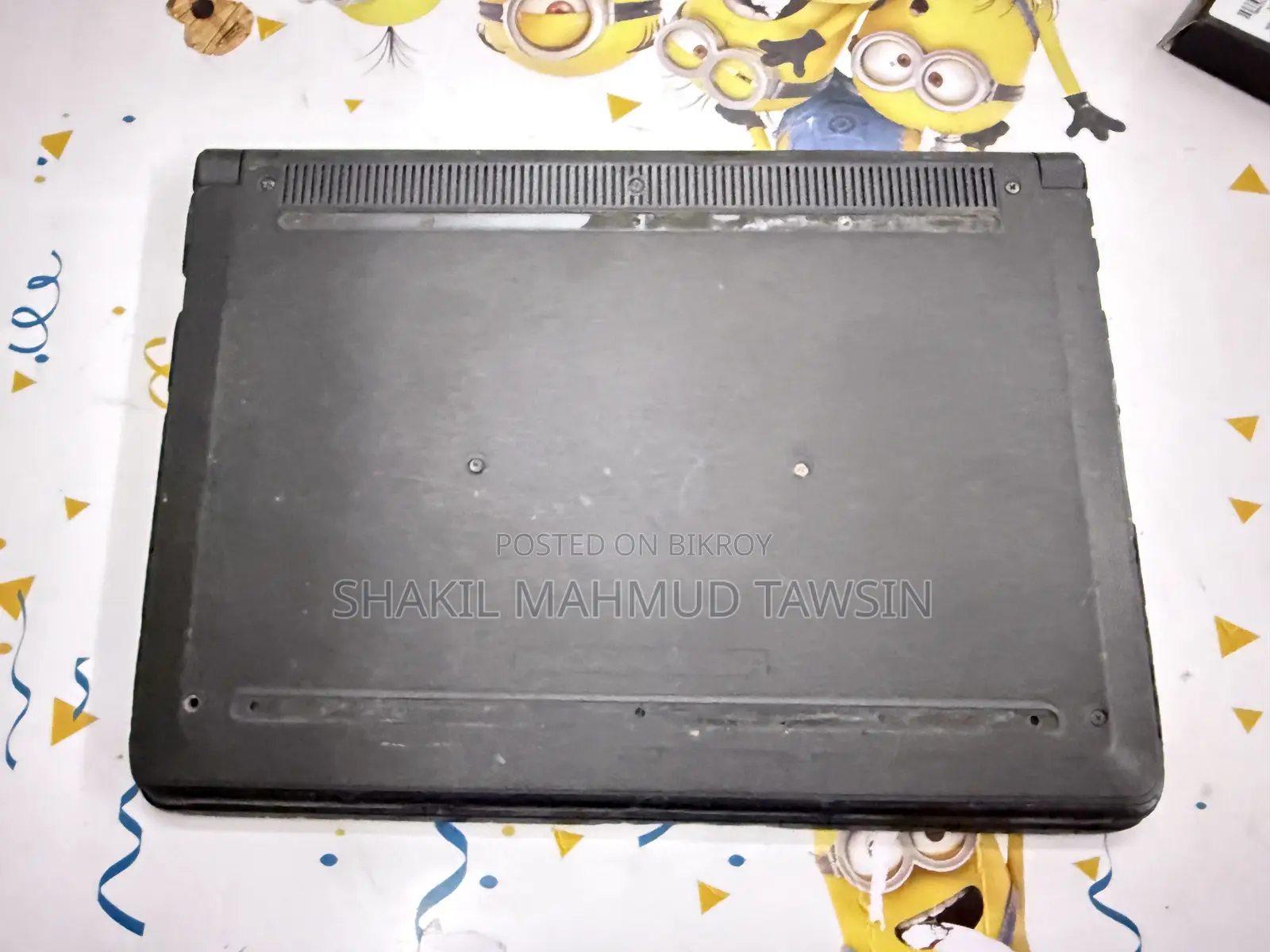
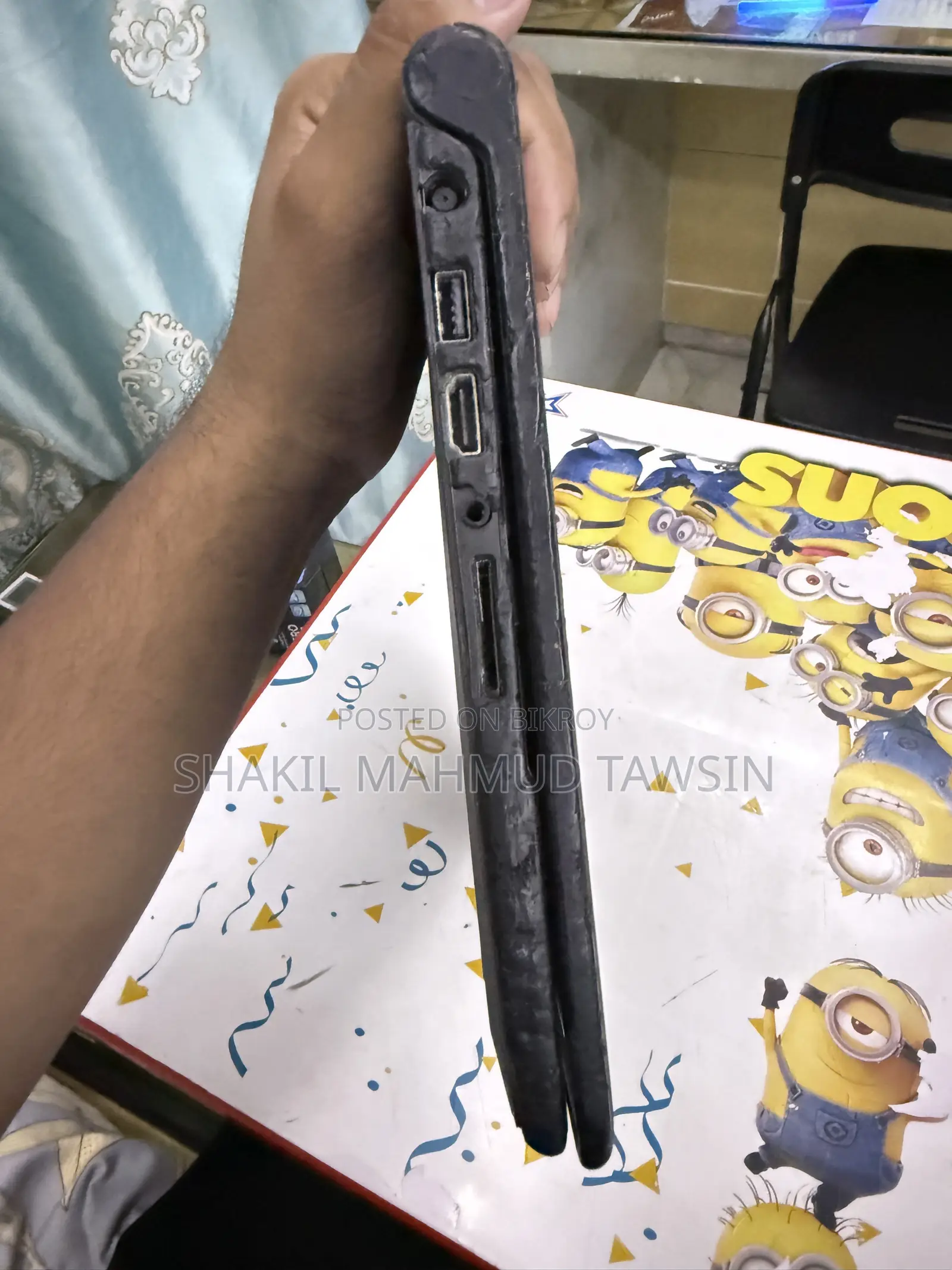
(As seen in the picture, the Wi-Fi card can be removed separately, so it is very easy to fix this by installing a new Wi-Fi card.)
BDT 7,000
NegotiableSafety tips
- Avoid paying in advance, even for delivery
- Meet with the seller at a safe public place
- Inspect the item and ensure it's exactly what you want
- Make sure that the packed item is the one you've inspected
- Only pay if you're satisfied


