
1/3
Promoted
Dhaka, Elephant Road, 22 hours ago
37 views
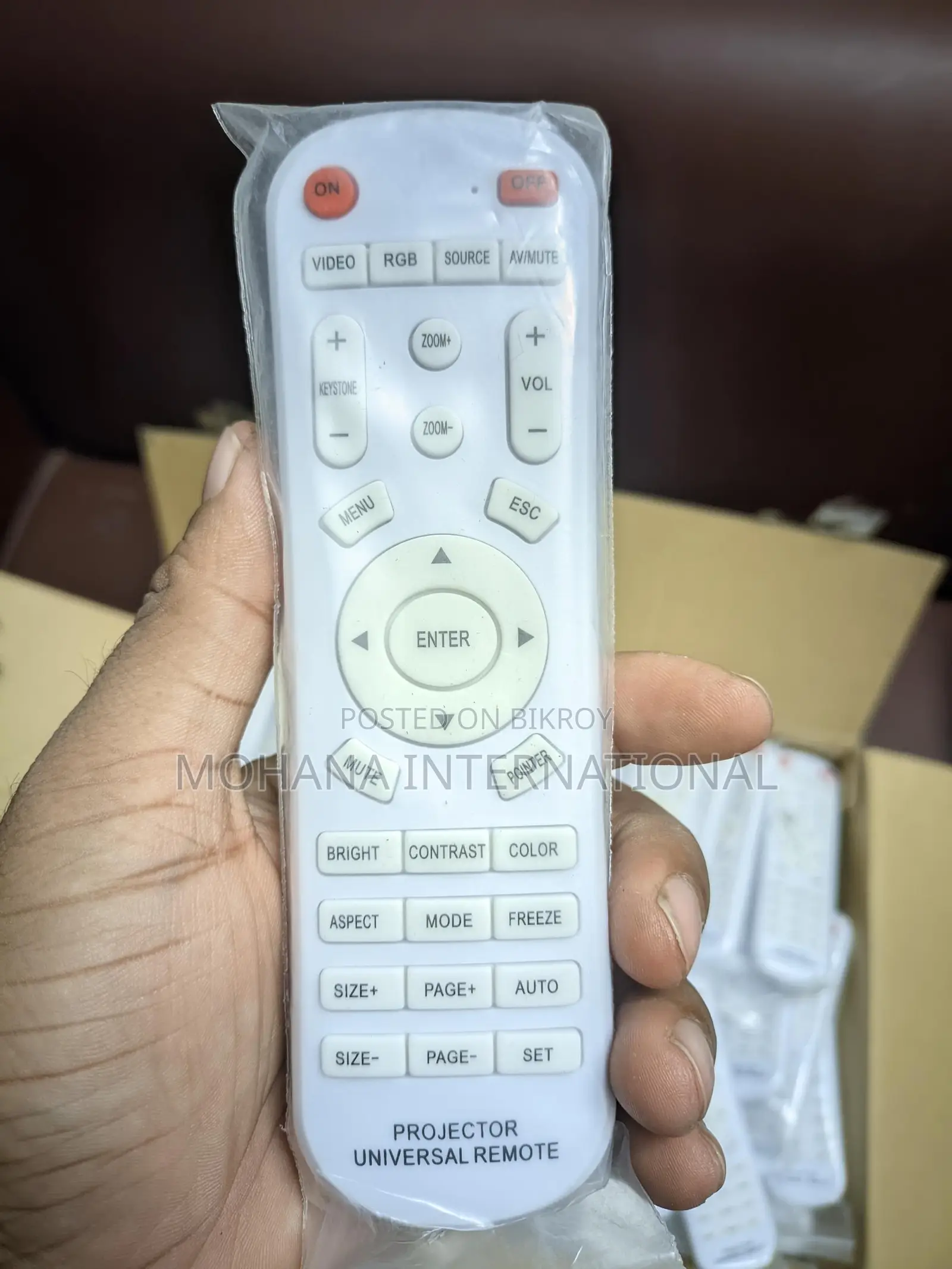
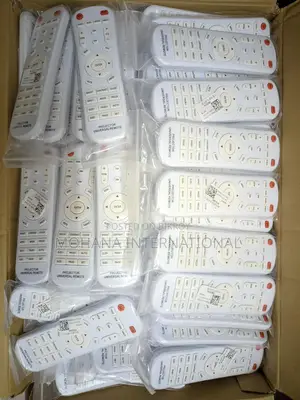
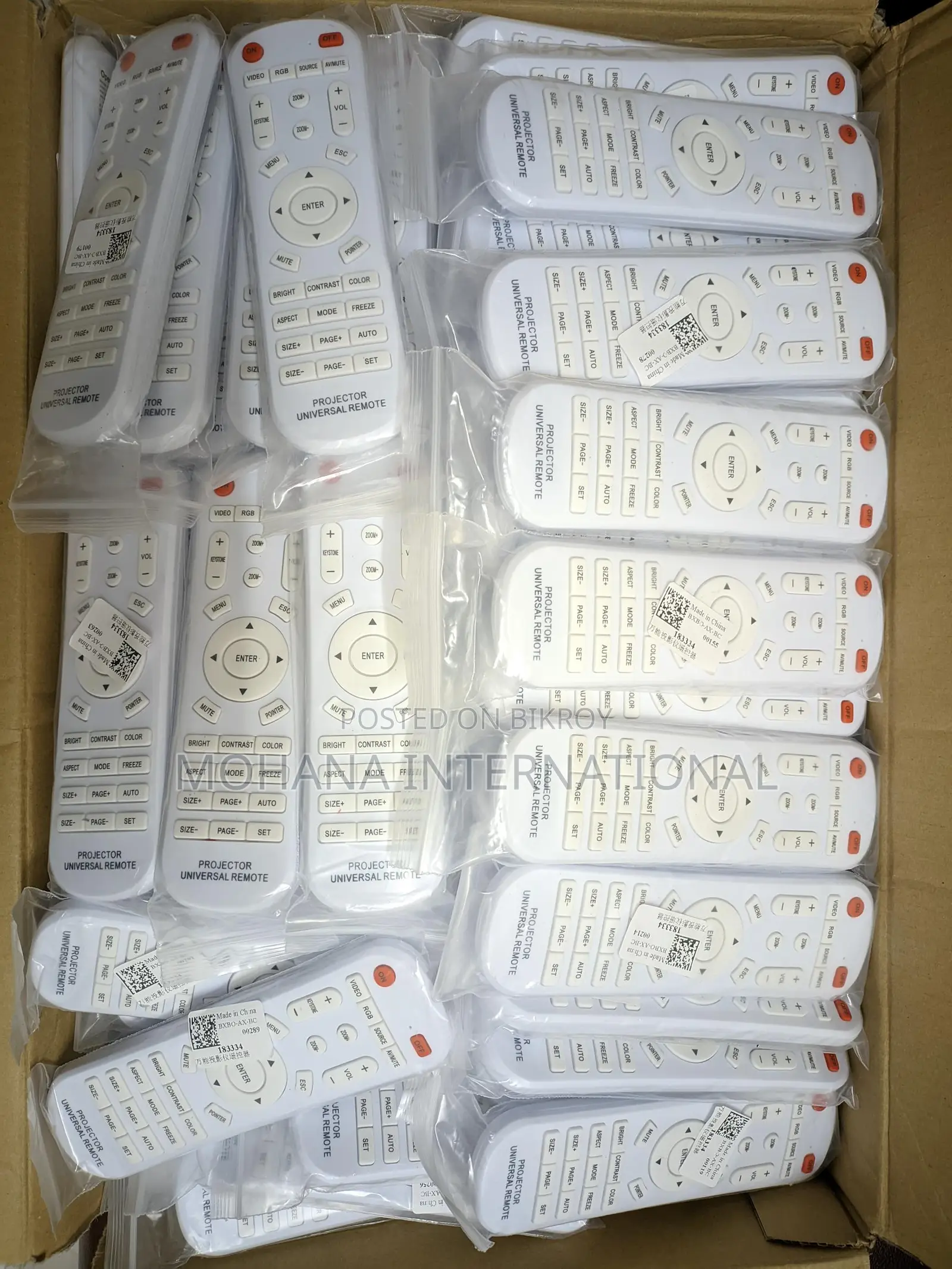
Projector Universal Remote
Other
Brand
Brand New
Condition
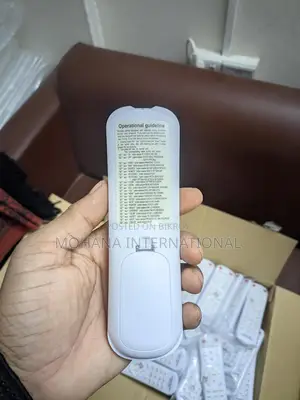
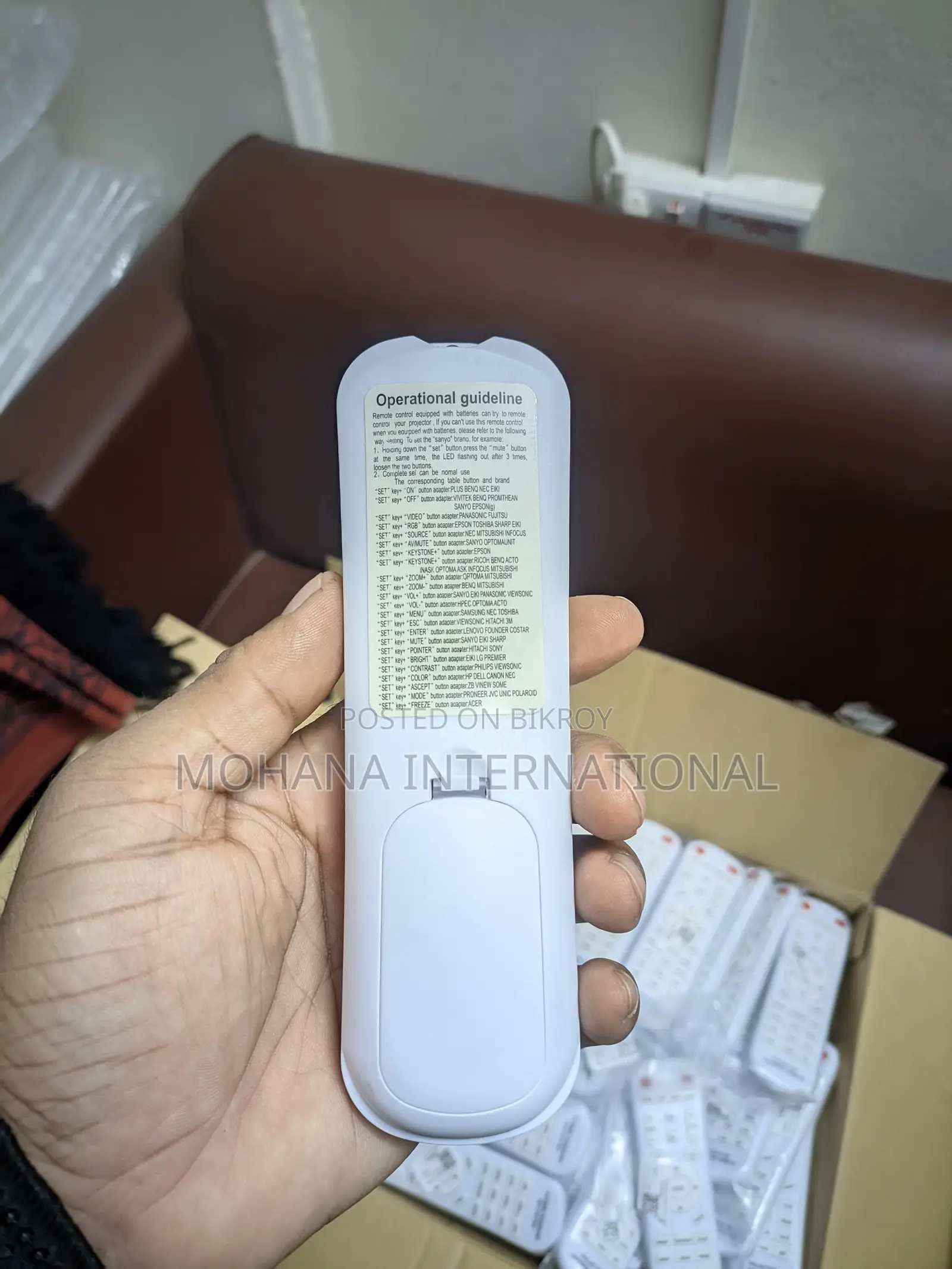
Universal Projector Remote Control (Multi-Brand Supported). This remote control is compatible with most popular projector brands. Easily set it up by inserting new batteries. 🔧 Programming Method: 🔹 If the remote does not work after inserting batteries, follow these steps. Example (For SANYO setup): 1️⃣ Press and hold the “SET” button. 2️⃣ Simultaneously press the “MUTE” button. 3️⃣ When the LED light blinks 3 times, release both buttons. 4️⃣ Setup complete ✔️. The remote will now work normally. 🎯 Brand Setup Key Combination List (Hold the SET button and press the following buttons): SET + ON → PLUS, BENQ, NEC, EIKI; SET + OFF → VIVITEK, BENQ, PROMETHEAN, SANYO, EPSON; SET + VIDEO → PANASONIC, FUJITSU; SET + RGB → EPSON, TOSHIBA, SHARP, EIKI; SET + SOURCE → NEC, MITSUBISHI, INFOCUS; SET + AV / MUTE → SANYO, OPTOMA, UNIT; SET + KEYSTONE + → EPSON; SET + KEYSTONE − → RICOH, BENQ, ACTO, INASK, OPTOMA, ASK, INFOCUS, MITSUBISHI; SET + ZOOM + → OPTOMA, MITSUBISHI; SET + ZOOM − → BENQ, MITSUBISHI; SET + VOL + → SANYO, EIKI, PANASONIC, VIEWSONIC; SET + VOL − → HP, OPTOMA, ACTO; SET + MENU → SAMSUNG, NEC, TOSHIBA; SET + ESC → VIEWSONIC, HITACHI, 3M; SET + ENTER → LENOVO, FOUNDER, COSTAR; SET + MUTE → SANYO, EIKI, SHARP; SET + POINTER → HITACHI, SONY; SET + BRIGHT → EIKI, LG, PREMIER; SET + CONTRAST → PHILIPS, VIEWSONIC; SET + COLOR → HP, DELL, CANON, NEC; SET + ASPECT → ZB, VINEW, SOME; SET + MODE → PIONEER, JVC, UNIC, POLAROID; SET + FREEZE → ACER. ✅ Supported Special Brands: ✔️ CASIO – Works on all models; ✔️ BOXLIGHT – Works. Address: Sahera Tropical center suit #911, 218 Elephant Road (8th floor) Level 9, Dhaka 1205
Safety tips
- Avoid paying in advance, even for delivery
- Meet with the seller at a safe public place
- Inspect the item and ensure it's exactly what you want
- Make sure that the packed item is the one you've inspected
- Only pay if you're satisfied


