
Promoted
Rangpur, 5 hours ago
64 views
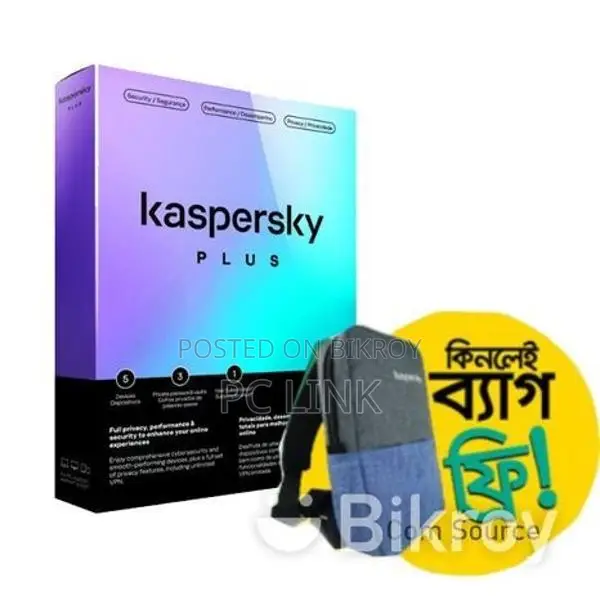
Free Bag Offer Free With Kaspersky Internet Security
Brands : Kaspersky
Product Code : Kaspersky Internet Security (1 User | 1 Year License)
* Kaspersky Internet Security provides optimal protection for your computer.
* Secures your internet connection, webcam stream, and online payments
* Allows blocking of banner ads
* Prevents data collection
* Provides protection using hardware virtualization. Safe protection for your children from online threats
Money browser to encrypt your online payments and transactions
* Webcam protection to stop unauthorized access to your webcam
* Free VPN with up to 300 MB traffic per day
* Operating Systems: Windows 7, Windows 8.1, Windows 8, Windows 10, Mac OS X.
* Multi-device protection: Stay safe at home and on the go with a single license for your PC/Mac/Android/iOS devices.
* Fight all threats: Stop worrying about viruses, phishing, ransomware, and tomorrow's most advanced cyber attacks.
* Stop online theft: Shop, bank, and pay safely online with an extra layer of protection from our Safe Money technology.
* Protect your privacy: Block webcam spying, stop browser tracking, and use simple VPN encryption to hide data from hackers and ISPs.
* Keep Kids Safe: Protect your children from online dangers using the parental control feature.
How to get started:
First visit the My Kaspersky portal - my.kaspersky.com
-If you do not have a My Kaspersky account, visit my.kaspersky.com and click on the Sign Up option at the top right to easily create a My Kaspersky account. It is very easy and completely free. My Kaspersky will give you access to use various applications on your devices during your license period. Furthermore, the My Kaspersky account will ensure the security of each of your devices via the web and ensure safe use of the web versions of some applications. So be sure to remember your My Kaspersky account user ID and password.
-And if you have a My Kaspersky account, please log in using your login ID and password.
Click on the License tab and enter your 20-digit activation code in the appropriate place.
Download your application by clicking on the download button provided at the bottom right corner of your dashboard and then install it.
You can also install the application on your other devices by taking the download link from your dashboard to your email.
When you download the application from the My Kaspersky portal, usually the installation process will be completed automatically without inputting any data in the sign-in window. However, sometimes it may ask for your My Kaspersky account user ID and password.
■ Our Shop Address-
► How to get here?
If you come to Pourabazar in Rangpur main sadar from anywhere, you will see Raja Rammohon Market beside it. Shop no. 129 on the ground floor of Raja Rammohon Market is PC Link. PC LINK Computer Sales & Service Shop no.129 (Ground Floor), Raja Rammohon Market, Rangpur.
Head Office: If you get down at Science Lab, you will see Baitul Mamur Mosque on the opposite side, and right beside it is Alpana Plaza, PC LINK Shop No.309 Alpana Plaza (2nd Floor) 51, Elephant Road, Dhaka-1205.

Safety tips
- Avoid paying in advance, even for delivery
- Meet with the seller at a safe public place
- Inspect the item and ensure it's exactly what you want
- Make sure that the packed item is the one you've inspected
- Only pay if you're satisfied


