
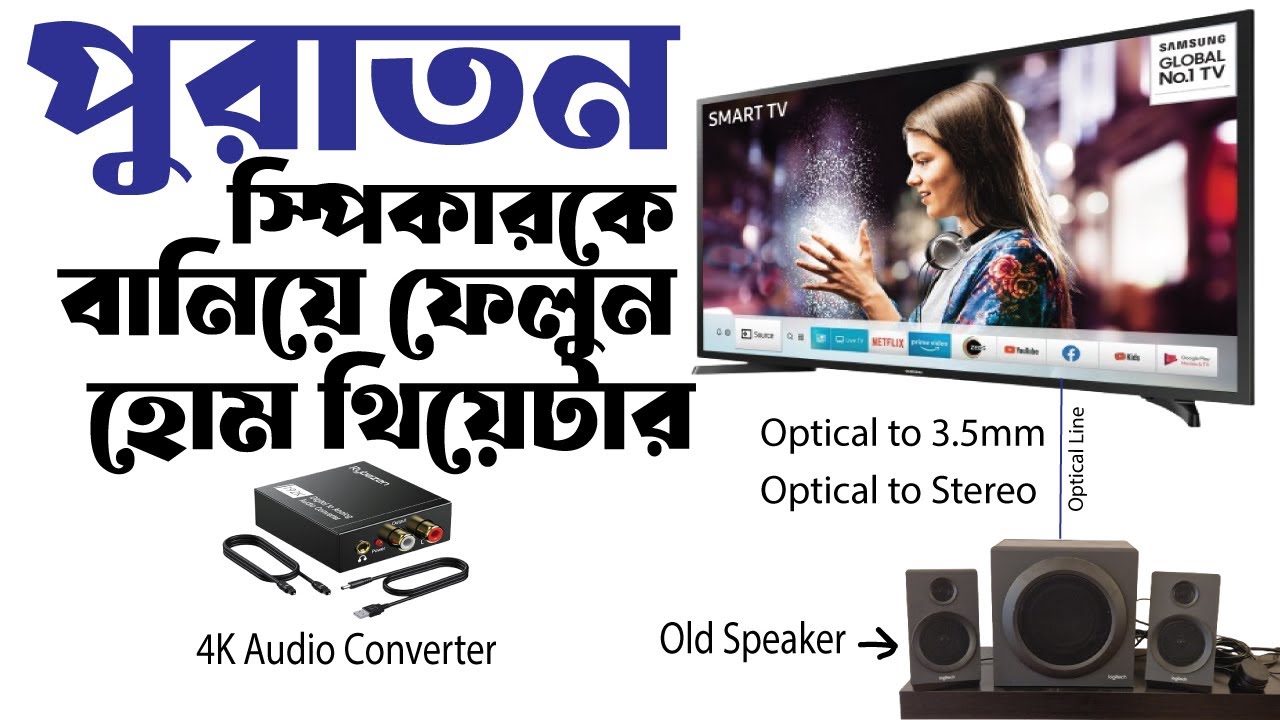
1/4
Dhaka, Savar, 2 days ago
94 views
Digital to Analog Audio Converter
Audio & Music Accessories
Type
Brand New
Condition
Other
Brand
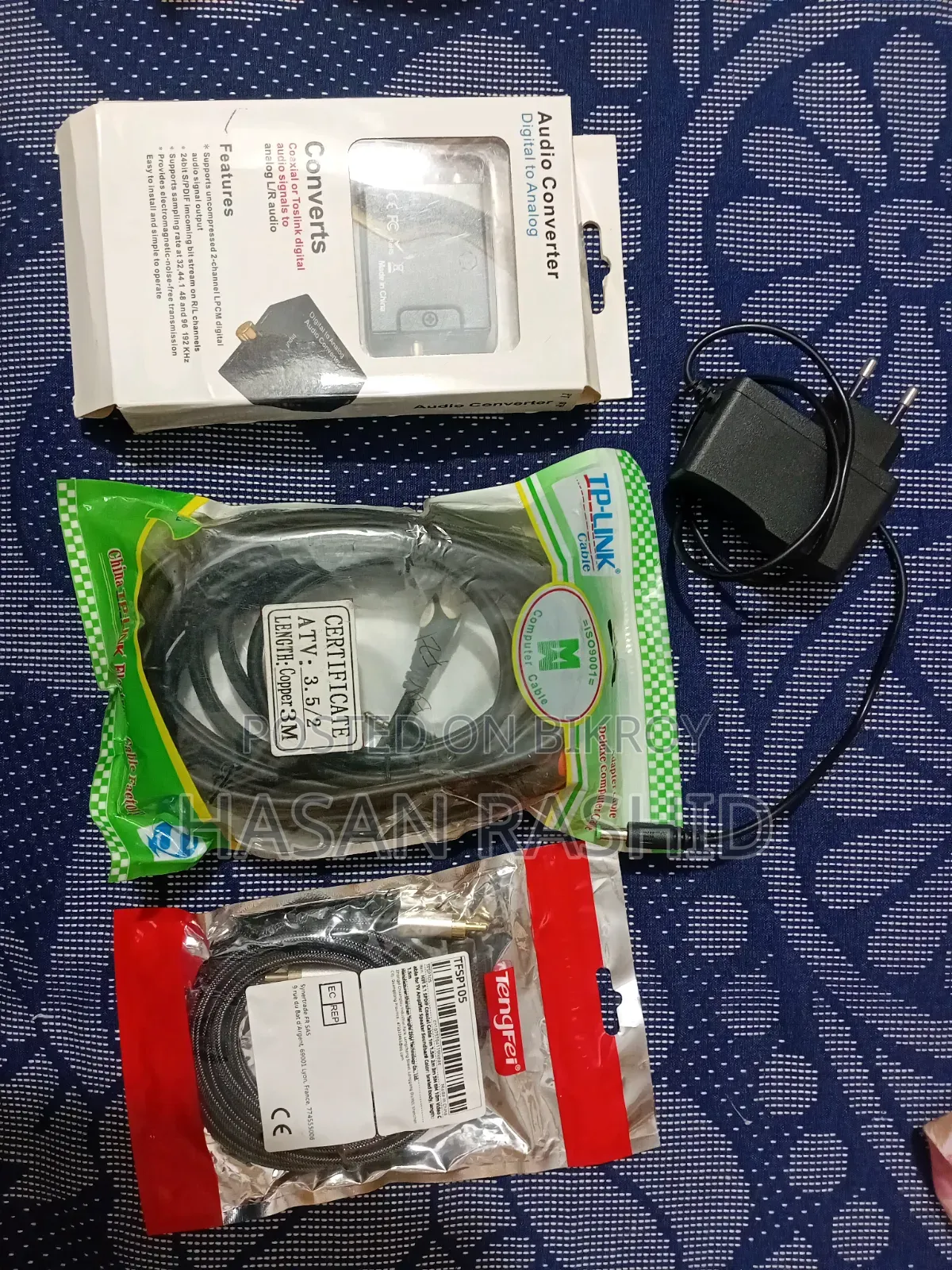
This is essentially a setup to convert digital audio from your TV to analog so you can play it on older or standard speakers.
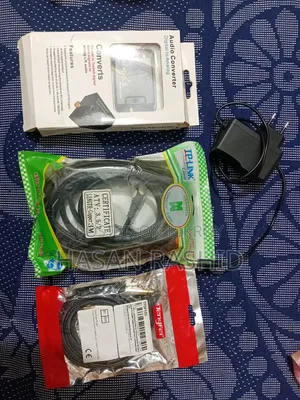
Functions of the items in the picture:
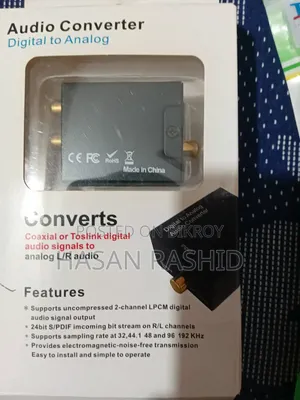
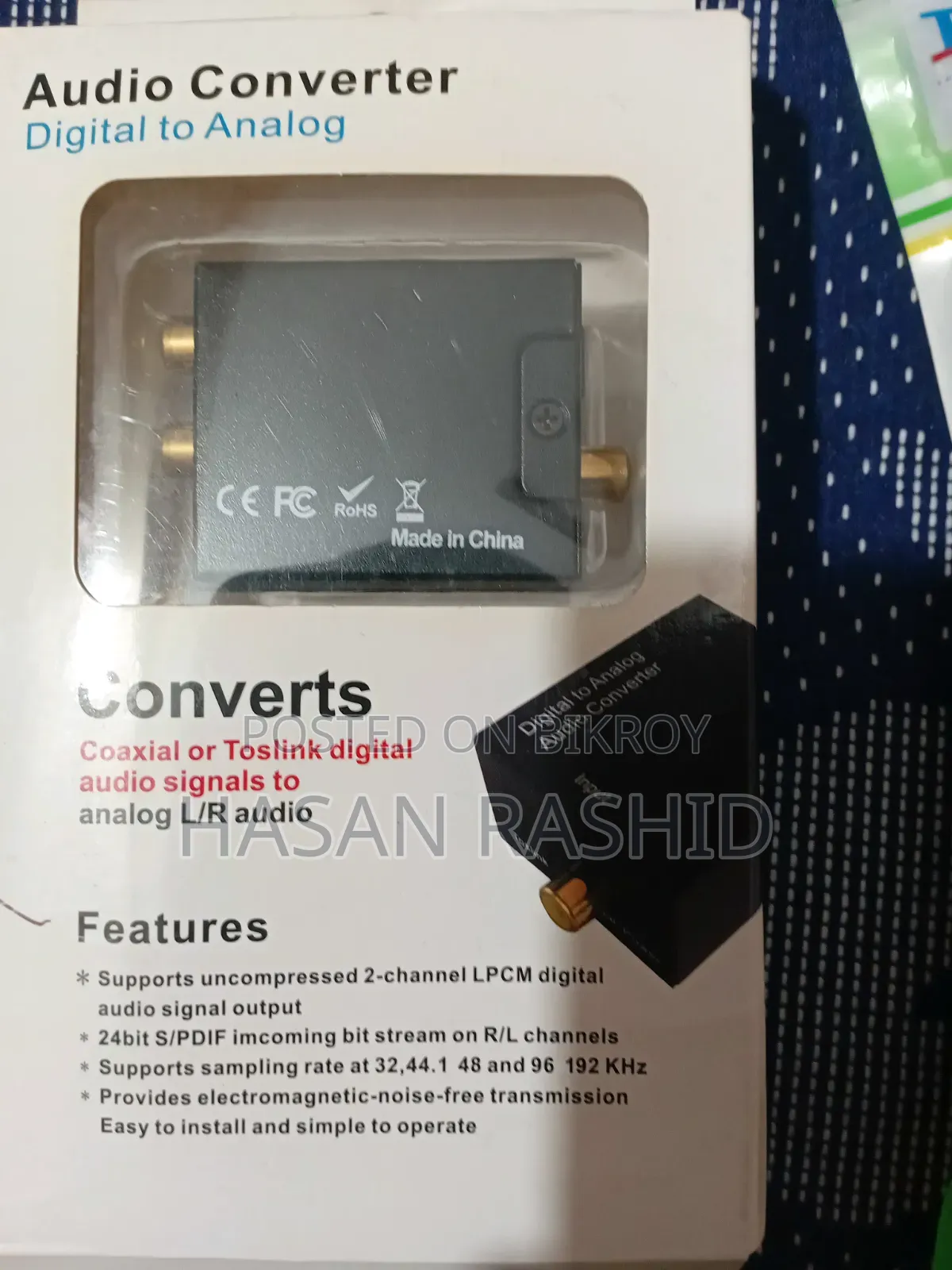
Audio Converter / DAC
Takes Optical (Toslink) or Coaxial digital audio from the TV and converts it into analog audio so it can be played through speakers.
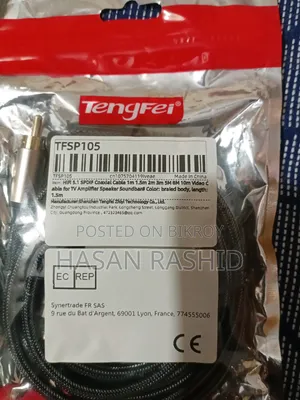
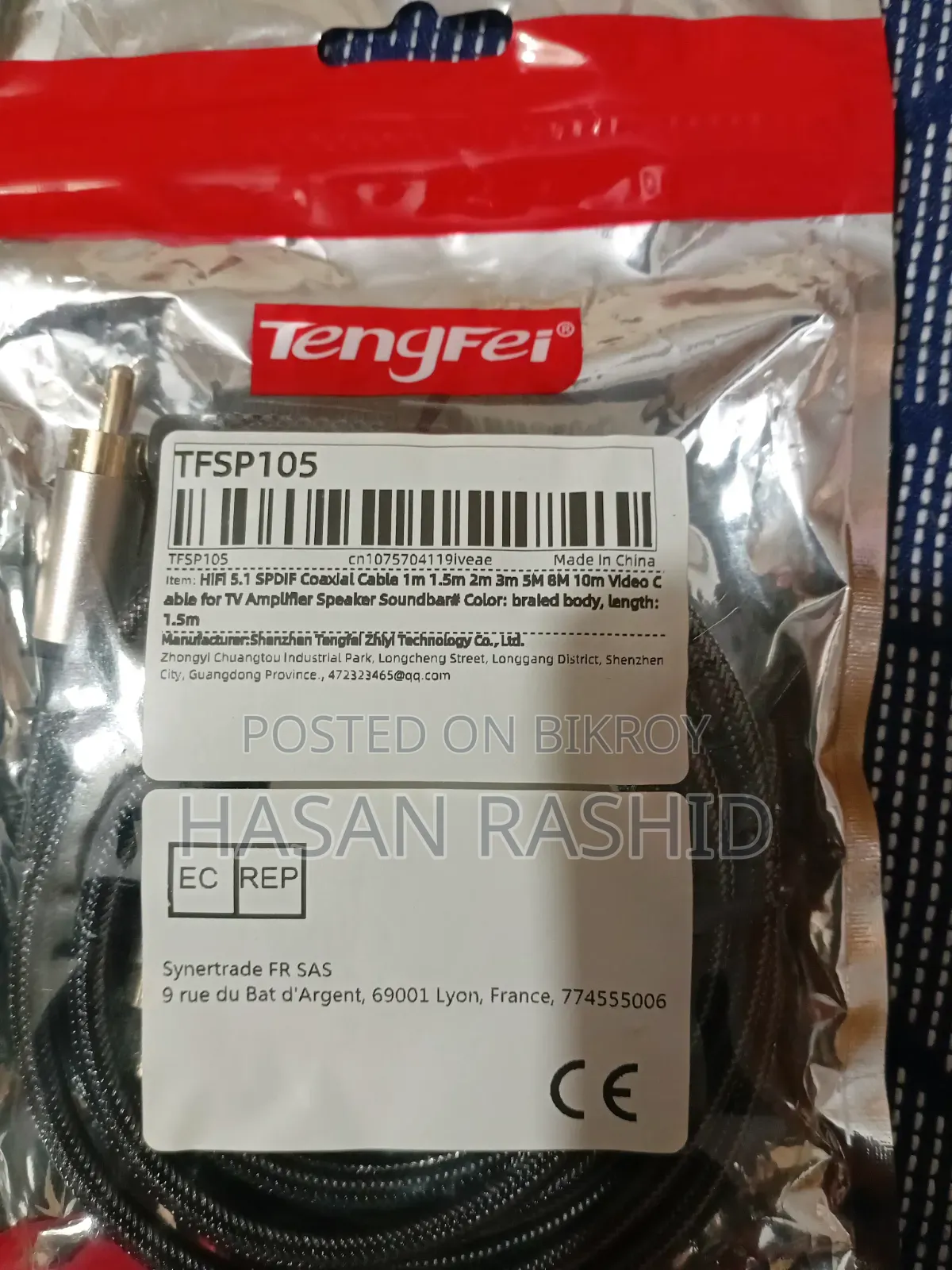
Tengfei cable on the right
This is an Optical/Toslink cable—it brings digital sound from the TV's Optical/SPDIF OUT to the DAC.
TP-Link cable in the middle
This is a 3.5mm audio cable—used to connect the analog output of the DAC to the AUX/Audio input of the speaker.
Adapter on top
To power the DAC.
The complete setup will be:
TV → Optical cable → DAC → 3.5mm cable → Speaker
Meaning:
TV's Optical/SPDIF OUT
Tengfei Optical cable
DAC's OPTICAL IN
DAC's Analog/AUX output
TP-Link 3.5mm cable
Speaker's AUX/INPUT
TV Settings:
Go to your TV's Sound/Audio Output and set:
Sound Output → Optical / SPDIF
Then keep Digital Audio Output → PCM.

Safety tips
- Avoid paying in advance, even for delivery
- Meet with the seller at a safe public place
- Inspect the item and ensure it's exactly what you want
- Make sure that the packed item is the one you've inspected
- Only pay if you're satisfied


