
1/4

Sylhet, Sylhet Sadar, 30/09
46 views
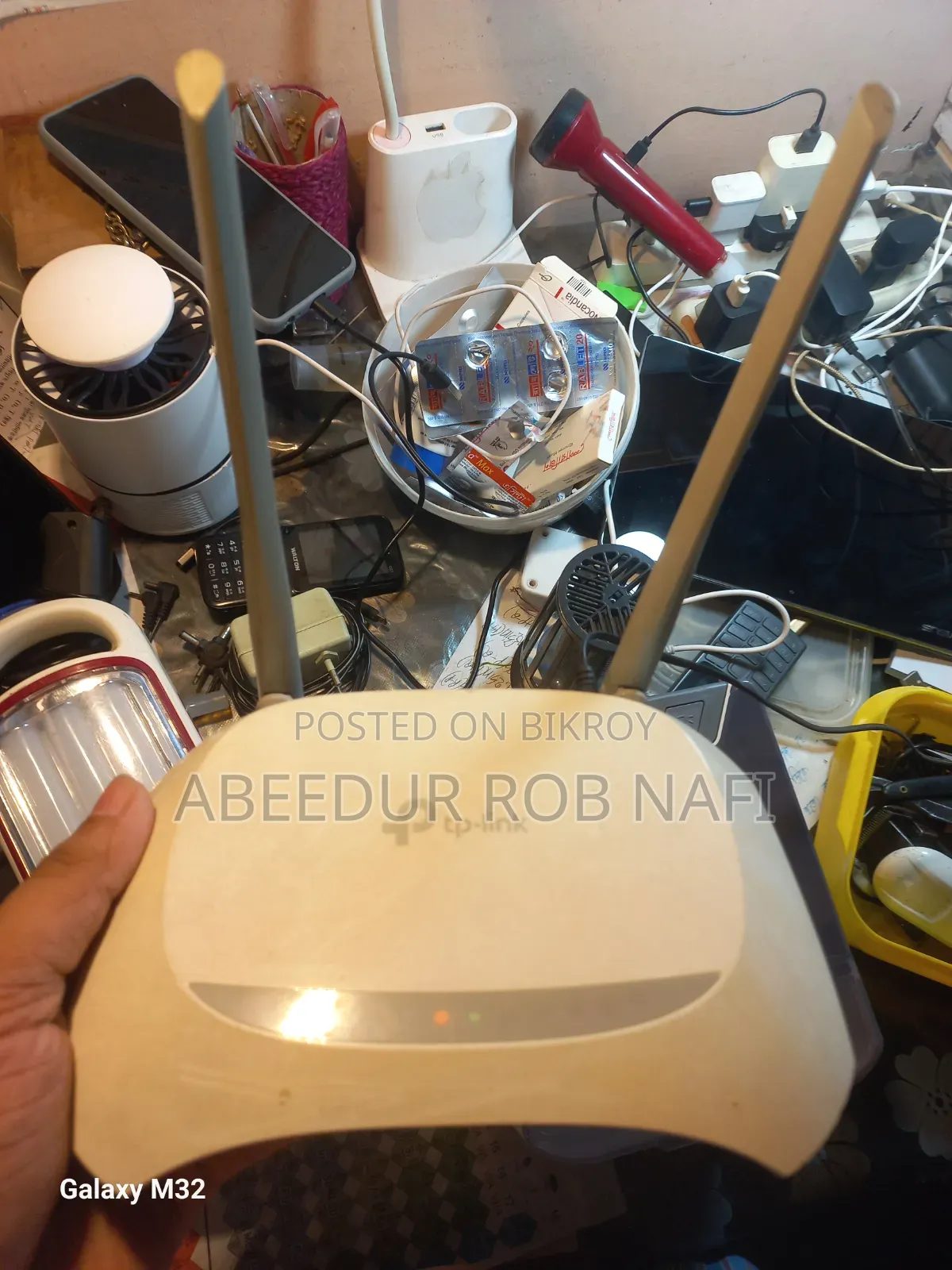
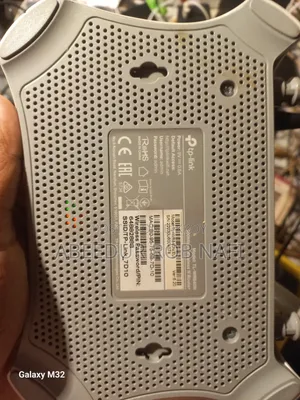
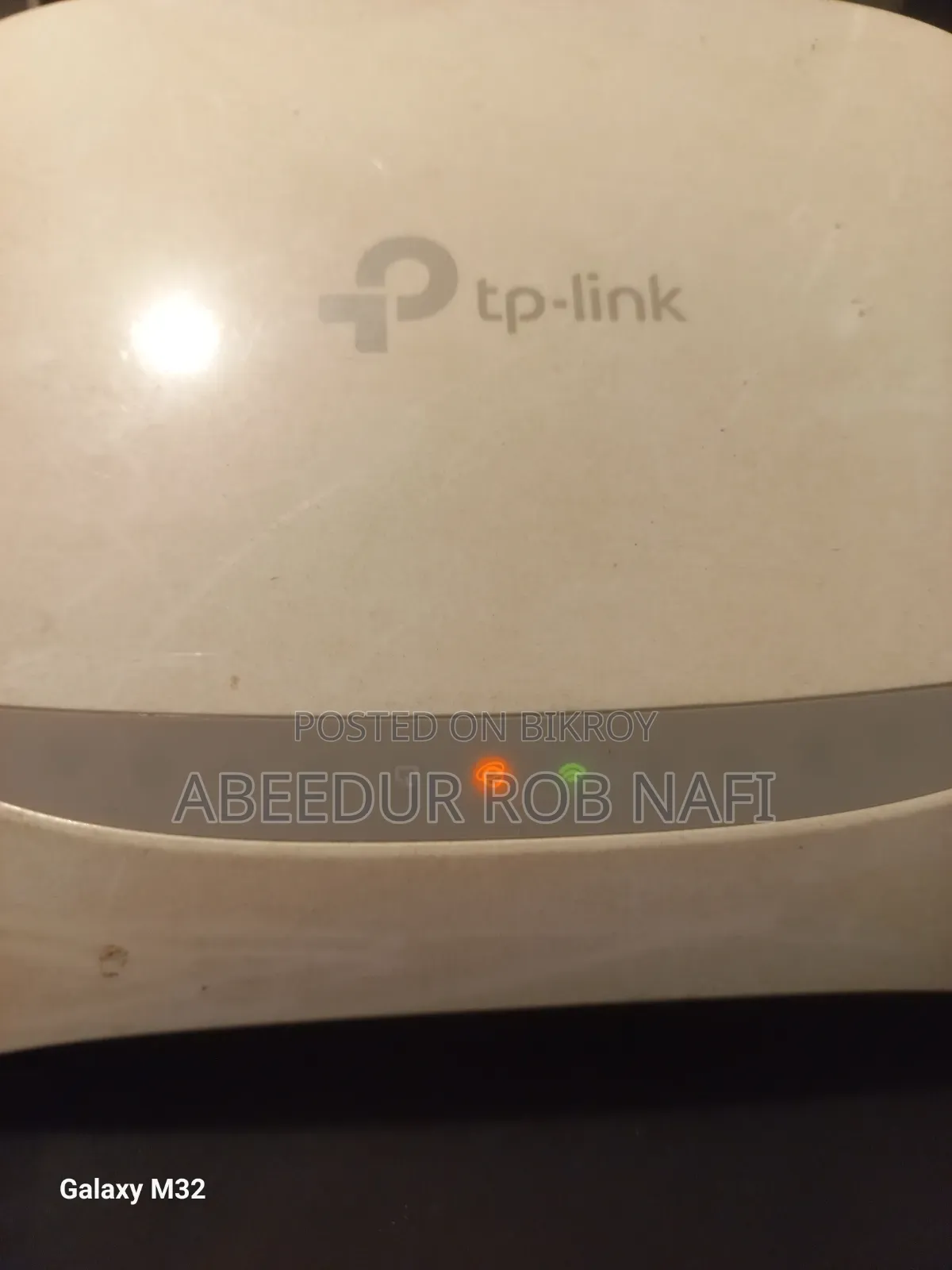
TP-Link Router
Router
Type
Brand
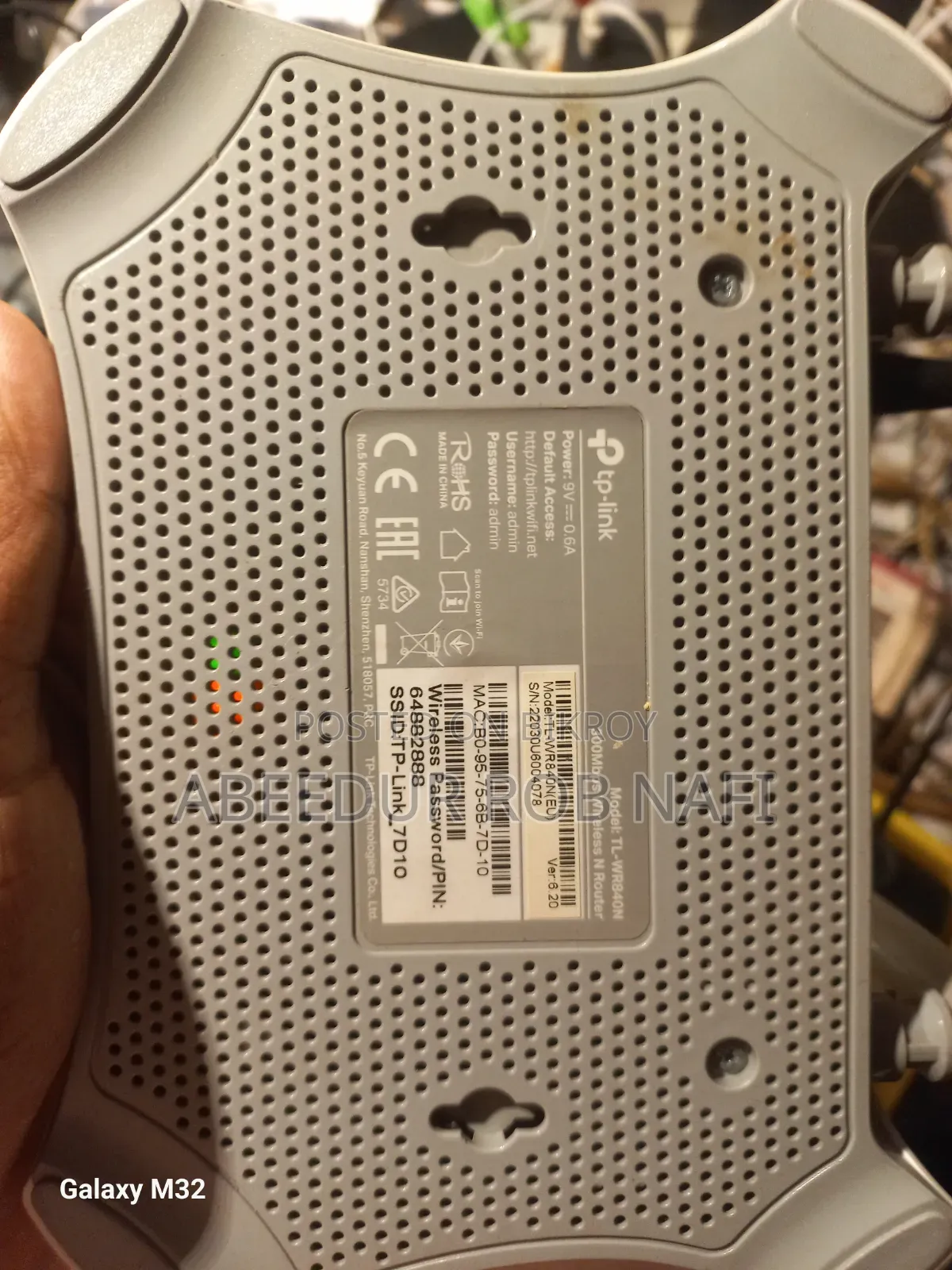
TL-WR840N
Model
1.8 GHz
Frequencies Supported
300 Mbps
Max LAN Speed
300MBps
Max WiFi Speed
Desktop
Form Factor
Ethernet Port
Interfaces
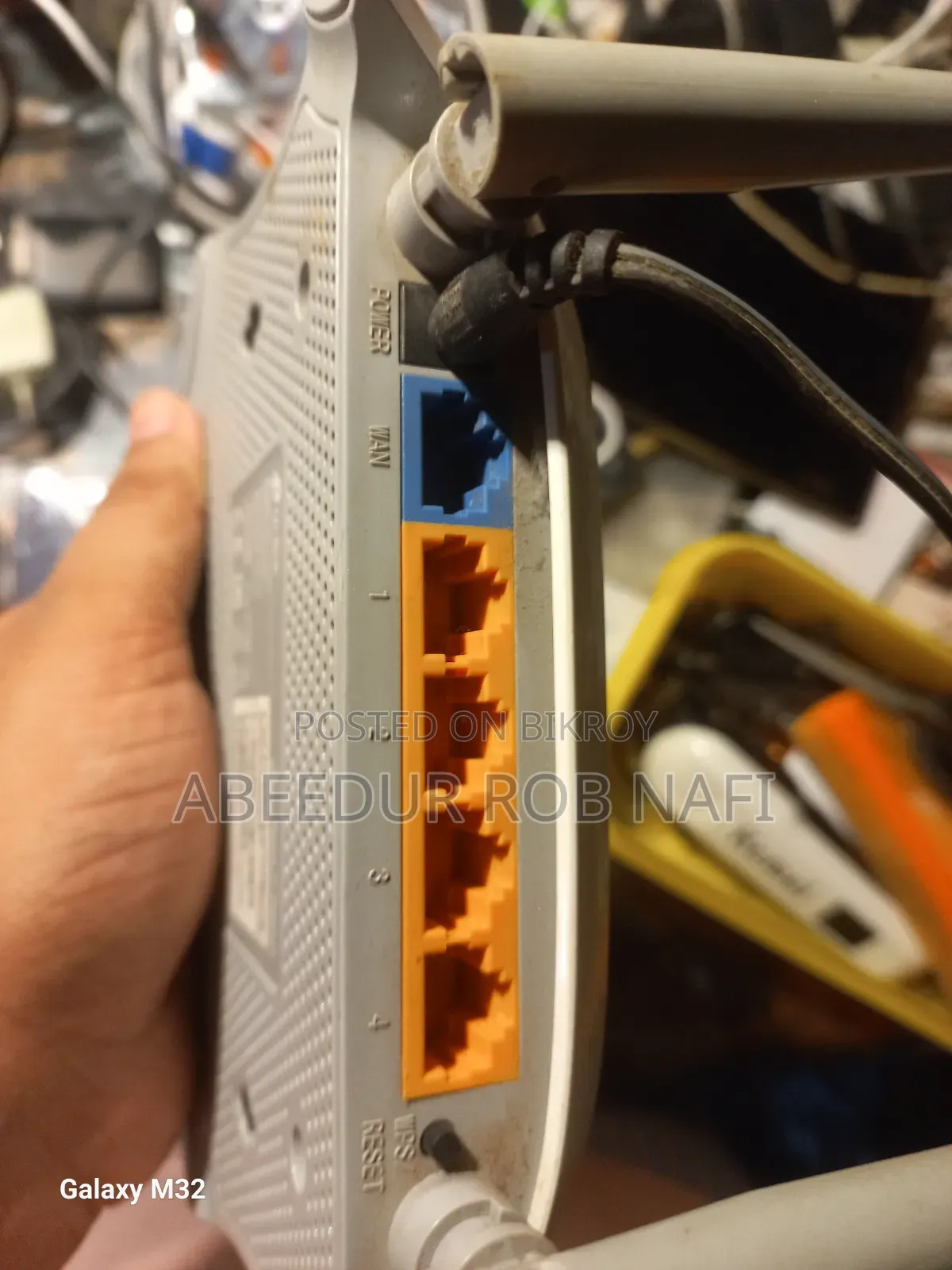
4
Number of LAN Ports
AES
Security
4x4
MIMO Support
2
Number of Antennas
Built In
Antenna Type
Ethernet
WAN Port
FTP-Server
Router Features
802.11 a
WiFi Standarts
Used
Condition
TP-Link brand wireless router (usually models with this design are TP-Link TL-WR841N or similar popular N series). General rules for configuring this type of router are given below:
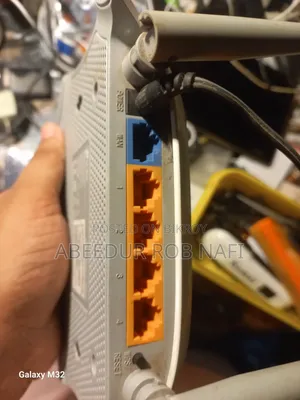
Resetting the router (if necessary): If you want to make the router new or reset it, press and hold the RESET button on the back for 5-10 seconds.
Making the connection: Plug the internet or ISP cable into the blue WAN port of the router and connect your PC or phone to the router via a LAN cable or Wi-Fi.
Logging in: Go to your browser and type tplogin.net or the default IP address 192.168.0.1 and press enter.
Password setup: The first time you log in, it will ask you to create a new password or admin password.
Select internet type: Select your internet connection type from the Quick Setup or Network option (e.g., PPPoE, Dynamic)
BDT 800
Negotiable
Safety tips
- Avoid paying in advance, even for delivery
- Meet with the seller at a safe public place
- Inspect the item and ensure it's exactly what you want
- Make sure that the packed item is the one you've inspected
- Only pay if you're satisfied


